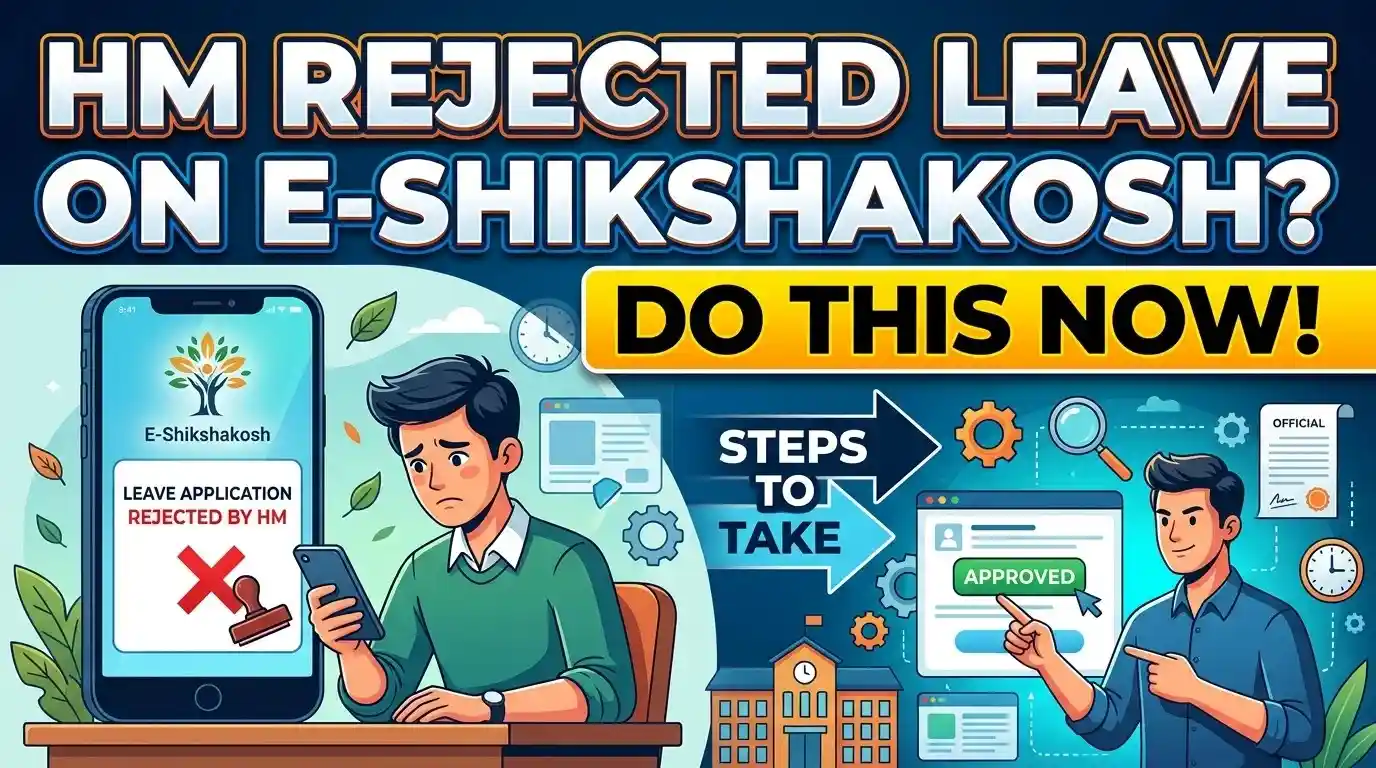
Having your leave rejected on E-Shikshakosh without a clear reason shown is genuinely frustrating — especially when you had a real emergency or a family situation that couldn’t wait. I understand that the feeling is not just about the leave itself; it is about being a sincere, hardworking teacher who followed the process correctly, only to see a rejection status sitting there with no explanation. Here are your options, and more importantly, here is the one thing almost no one tells you about the time window you still have.
First — Check Whether a Rejection Reason Was Actually Recorded
Before doing anything else, go back into the portal and look carefully. This is the step most teachers skip in frustration, and it costs them time.
Under the Leave Process 2.0 system — which Bihar’s Education Department made mandatory from February 12, 2026 — the Headmaster (HM) is required to enter a comment (टिप्पणी) before rejecting any application. This is not optional on their end. The system mandates it. So there is a very real chance a reason code or remark was entered that you simply did not notice.
Here is exactly where to look:
Log into your teacher account at eshikshakosh.bihar.gov.in. Go to your dashboard and click on “Leave” or “छुट्टी आवेदन”. Open “Leave Status” or the application history section. Click directly on the specific rejected application — not just the list view. Once you open the individual record, scroll to the bottom. There is often a remarks or comment field there that does not show in the summary view. That is where the HM’s reason, if entered, will appear.
If a reason is shown there — missing documents, leave balance exceeded, insufficient notice period, or a school event conflict — you now have a clear path forward. Please address that specific issue and proceed with reapplication or reconsideration.
If that field is blank or the reason is vague, keep reading.
If No Reason Is Shown — What to Do in the First 24 Hours
The 24-hour window after a rejection is the most critical period, and most teachers waste it waiting. Do not wait.
Within the first 24 hours, do two things simultaneously. First, take a screenshot of your rejection status — make sure the date, leave type, and rejection timestamp are visible. This becomes your documentation if the situation escalates. Second, contact your HM directly and in writing — even a WhatsApp message works as a record — asking them to clarify the reason for rejection. Keep your tone respectful but specific. Something like: “Sir/Ma’am, my leave request for [dates] was rejected on the portal. Could you please let me know the reason so I can take the appropriate next step?”
This simple message does two things: it opens dialogue, and it creates a timestamped record that you made a good-faith effort to resolve the matter informally first. If the issue ever escalates to the BEO or DEO level, this record matters.
Also during these 24 hours, verify your leave balance. Go to your leave dashboard and confirm you actually had sufficient leave of the type you applied for — Casual Leave (CL), Sick Leave (SL), Earned Leave (EL), etc. A common rejection reason is leave balance exhaustion, and teachers sometimes do not realize this until they check carefully.
How to Request Formal Reconsideration Through the Portal
If the informal conversation with your HM does not resolve the issue, or if the HM is unresponsive, you can initiate a formal reconsideration request. Here is how to do it step by step through the portal:
Log in to your teacher account and navigate back to the rejected leave application in your history. Look for a “Reapply” or “Re-submit” option on the application. In the Leave Process 2.0 system, teachers can submit a fresh application for the same dates with updated information. When reapplying, use the remarks or reason field to include a clear, factual explanation — attach supporting documents this time even if you think they should not be needed (for example, a medical certificate for sick leave, or a formal letter for personal emergency).
If the portal does not show a reapplication option for those specific dates (this can happen if the dates have already passed), then you need to submit a written reconsideration request offline and attach a printed copy of the portal rejection screenshot. Please submit this to your HM formally and request written acknowledgment of receipt.
The key principle here is to create a paper or digital trail at every step. The system is digital, but the accountability chain still responds to formal written communication.
When the Issue Goes Beyond the HM — The DEO Escalation Path
If your HM rejects your leave without reason and refuses to reconsider, or if they are simply not responding, your escalation path is clear under Bihar’s education governance structure.
Your first escalation point is the Block Education Officer (BEO). You can approach the BEO directly — in person or through a written complaint — citing that your leave was rejected without reason under the Leave Process 2.0 mandate, which requires the HM to provide a recorded comment. The BEO has supervisory authority over headmasters within their block.
If the BEO does not act within a reasonable time (give it 5–7 working days), your next step is the District Education Officer (DEO). The DEO holds district-level administrative authority over all government school teachers and headmasters. A written complaint to the DEO — referencing the rejection date, your leave type, the absence of stated reason, and your earlier attempts at resolution — is a formal service grievance.
Under the Bihar State School Teacher (Appointment, Transfer, Disciplinary Proceedings and Service Conditions) Rules, 2023, the Regional Deputy Director of Education is the appellate authority empowered to hear complaints and appeals related to service conditions of school teachers. This means if the DEO-level resolution also fails, a formal written appeal to the Regional Deputy Director is your right — not a favour being asked.
Keep every document: the portal screenshots, your WhatsApp messages, any written replies, and the dates of all your actions. The escalation chain respects documentation.
Your Rights as a Teacher — What BEPC Guidelines Actually Say
Many teachers do not realize they have clearly defined rights in this situation. Here is what the framework actually says, in plain language.
Under the Bihar Education Project Council’s operational framework for E-Shikshakosh and the Leave Process 2.0 rollout, the stated objective of the digital leave system is to make the process “transparent and accountable” (पारदर्शी एवं उत्तरदायी). That is not just a slogan — it means the system is designed so that arbitrary rejections without reason are a violation of the intended process, not a permitted outcome.
The Bihar Government Servants (Classification, Control and Appeal) Rules also provide that any service-related decision affecting a government employee must be communicated with sufficient basis. While the specific leave rules for school teachers are governed through BEPC guidelines and the Education Code, the underlying principle is consistent: a rejection without reason is not a proper administrative action.
This does not mean you will automatically win an appeal. It means you have a legitimate procedural basis to contest a reasonless rejection — and that basis carries weight when you bring it to the BEO or DEO level in writing.
What Most Teachers Don’t Realize: The Window Between Rejection and Absence Marking
This is the most important information in this article, and no other site explains it clearly.
A leave rejection on E-Shikshakosh does not automatically mean you are marked absent in the attendance system at the moment of rejection. There is a processing gap between when a leave is rejected in the leave module and when that status actually reflects as an absence in the attendance record — and this window is your opportunity.
In the current system architecture, attendance and leave records are linked but not simultaneously updated. When an HM rejects a leave application, the leave status changes to “Rejected” — but the attendance entry for those dates is not instantly overwritten or finalized as “Absent” at that exact moment. The attendance record for the relevant dates typically gets reconciled at the end of the attendance cycle, often at the end of the working day or during the next BEO/school-level data sync.
This procedure means that if your leave was rejected today and the actual leave dates are either today or in the near future, you have a narrow but real window — often within the same working day or by the following morning before the next attendance sync — to either reapply with updated documentation, reach your HM for a quick verbal reconsideration, or escalate to the BEO to flag the issue before the attendance is formally locked.
Once attendance is finalized and synced upward, reversing an absence mark requires going through a correction request, which is a longer process involving the BEO or the portal’s data correction mechanism. Acting inside that pre-sync window is far simpler.
So if you are reading this on the same day your leave was rejected—stop, take the screenshot, call your HM right now, and if necessary reach your BEO before the end of the school day. That single action could save you from a significantly more complicated correction process later.
A final word
The E-Shikshakosh system was built for transparency and to protect teachers from arbitrary administrative decisions — not to trap them in them. If your leave was rejected without reason, you have options. You have a documented process, a formal escalation path, defined rights under Bihar’s education governance rules, and a time window that most teachers simply do not know they have. Use all of it, calmly and in writing, and the system will work the way it is meant to.